



Мобилнен принтер BROTHER RJ2050Z1 MOBILE PRINTER RJ2050Z1
изчерпано


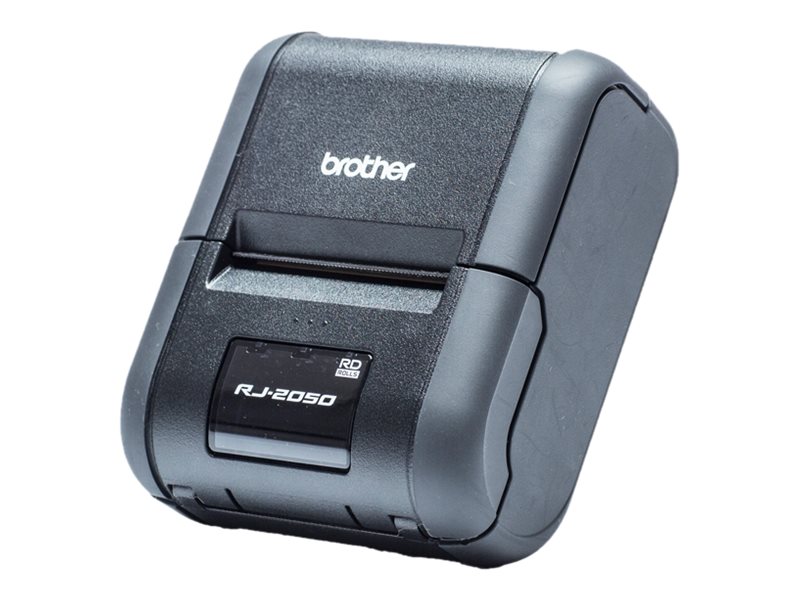
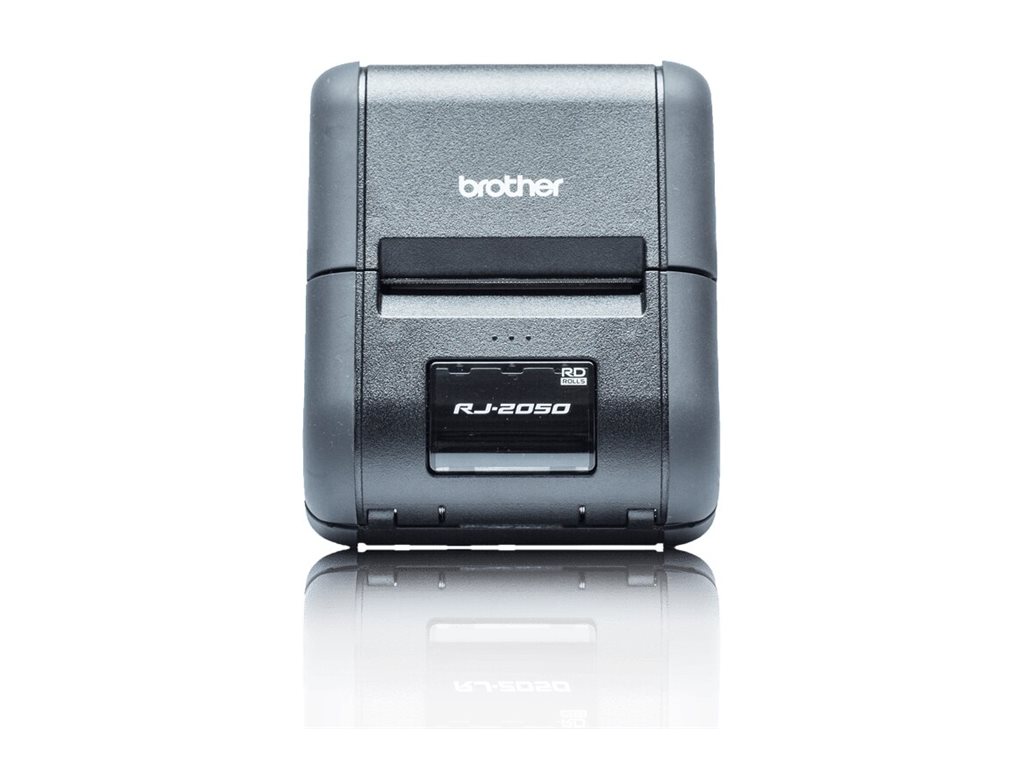
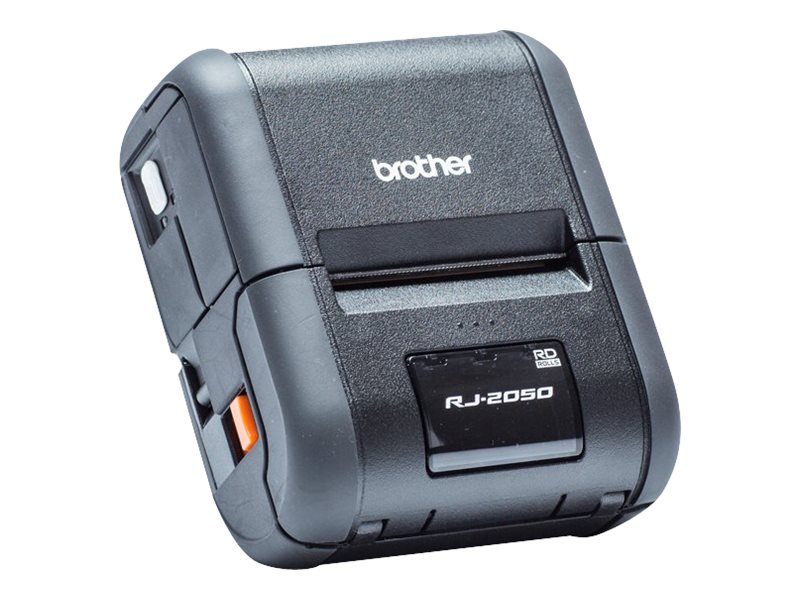
tickets and other documentation, wherever and whenever required. Integrates into your existing system thanks to Wi-Fi, Bluetooth and USB...
Гаранция:
0.0
от 5.0
(0)

Купи и събери
8 точки



Плати по-лесно и сигурно с




Виж всички продукти на Brother
Пазарувай по марка





Характеристики
| Print метод | direct thermal |
| Скорост на принтиране | Up to 152 mm/sec |
| Print резолюция | 203 dpi |
| Вид на медията | Receipt labels |
| Размер на медията | Roll (5.8 cm) |
| Media feed | 1 x manual - 1 roll - Roll (5.8 cm) |
| Интерфейс | USB 2.0, Wi-Fi(n), Bluetooth 2.1 EDR |
| Размери | 12.2 cm x 10 cm x 5.7 cm |
| Други характеристики | Wireless |
| Гаранция | 36 месеца |
| Код на продукта | RJ2050Z1 |
Виж повече
Допълнителна информация
- Rugged 2" mobile receipt printer with Bluetooth and Wi-Fi
Offering the highest print speed in its class, and Windows desktop, the RJ-2050 is built for the toughest environments. The easy-to-read LCD display along with easy-to-load rolls make the RJ-2050 the ideal mobile printer for your business. - On-demand printing
Leave receipts with your customers in a timely manner on completion of work, or when items are delivered. Increase the efficiency of your mobile operatives within field service/sales, retail, public safety, emergency services logistics, warehousing or manufacturing. - Designed for tough jobs
With an IP54 rating against dust and moisture, and 2.5 meter drop protection, the RJ-2050 can withstand the rigours of daily use. This can help reduce the downtime caused by damaged equipment. - Wi-Fi, Bluetooth and USB connectivity
The RJ-2050 has a range of integrated connectivity options including Bluetooth (with support for Apple MFi). Connect to your Wi-Fi network or set the printer to use Wireless Direct mode where a wireless network is unavailable. For Windows based PC's a USB port is provided for reliable connectivity. - Integration into legacy systems
For maximum compatibility with legacy systems, the RJ-2050 supports ZPL II and CPCL emulations. Alternatively use the Brother ESC/P printer language to access, modify and print templates in the printer's flash memory which were previously designed and uploaded from your PC. - SDK's for iOS, Android and Windows devices
Easily add printing within your existing Apps and software by harnessing the power of one of the Brother SDK's (Software Development Kits) available. Use the Brother B-PAC SDK for Windows based programs, or one of the Brother Print SDK's for iPhone, iPad or Android devices.
Виж повече
Информация за производителя
| Контакт | [email protected] |
| Адрес | Brother Central and Eastern Europe Am Euro Platz 2/2M1 1120 Vienna, AT |
| Уебсайт | https://www.brother.bg |
| Партньорска информация | PIC.bg е Gold Partner на Brother |
Виж повече
Ние от PIC.bg постоянно полагаме усилия информацията на тази страница да е точна. В редки случаи съдържанието може да е некоректно. Всички снимки са с информативна цел и е възможно да съдържат аксесоари, които не са включени в стандартния пакет. Някои от спецификациите или цените могат да бъдат променяни от производителя без предизвестие или да съдържат експлоатационни грешки. Всички промоции, посочени в сайта, се предлагат до изчерпаване на количествата.
Отзиви
0 отзива.
5
0
4
0
3
0
2
0
1
0
Оцени продукта
Добави отзив
Твоята количка